Friday, 11 November 2022
Multiple Projects, the Makerspace of the Mind!
Wednesday, 26 October 2022
Watchmodding in Hackspace Magazine, Bonus content!
In issue 60 of Hackspace magazine I wrote a piece about building a mechanical dive watch from a collection of components it's a great hobby and you can build a pretty expensive watch for a lot less than buying one! Writing the piece I wanted originally to talk about some repair tasks I'd undertaken and my route into watch assembly and modding but I was going to be way over wordcount! So I've decided to add that section here as a blogpost. Below is the text as written as an opening for the article.
Making a watch has been on my list of “things I’d like to have a go at” for a long time but ultimately it was the repair of another watch that led me down the rabbit hole of completing a make a watch project.
The repair in question was for an old 1990’s Gul brand watch which I’d had since new. Not a particularly good or expensive watch but well worn and had served me well. I’d managed to slip and catch it on a stone wall and had chipped the watch glass, or crystal as they are more commonly known and rather than a scratch it had some cracks that made it difficult to read the time. I already had the tools to open the watch which I’d picked up years ago and ever since had replaced batteries in quartz movement watches as a matter of course. These tools were bought as a very budget set and included 2 really useful tools, an adjustable 3 pronged watch case opener which can be thought of as an adjustable wrench for screw on case backs and a handheld dust blower, perfect for removing pesky flecks and spots of dust.
Removing and replacing the crystal requires a few more bits of knowledge and indeed some tools so I began investigating how to achieve this. The first obvious step is to, like when changing a battery is to take the back off the case. Some watches have press fit case backs often with a small lip where you can insert some kind of prying tool or “spudger” whilst commercial spudgers are cheap and available you might improvise with a fine flat tipped screwdriver or a firm thin guitarists plectrum is often useful. For my gull watch it has a screw down case back so I adjusted the three jaws of the case opener to fit into the indents on the case, carefully placed it on the case back and unscrewed the case.
With the back of the case removed you now need to remove the “Movement” which is all the gubbins that run the watch from inside the case. Whether a watch is mechanical (a wind up watch ) automatic (a mechanical watch that also self winds) or a quartz watch (runs from a battery) you need to somehow remove the crown and stem from the movement before it can be lifted out of the case. Each different movement will be slightly different, some have a lever you depress, some have a hole you insert a thin tipped tool into and the location of these points will be different. A good starting point once you have the case back off is to get a magnifying loupe or equivalent and try and identify the make and model of the movement which will usually be engraved somewhere visible. My Gul watch has a cheap but perfectly good “Miyota” quartz movement and with a quick online search I found an image of which hole I needed to press a thin pin type tool into to release the stem and crown. With the stem and crown removed the movement is now free to be lifted from the case. Although not every watch has one many watches have a case ring which is a plastic or metal ring which fills any gap between the watch case and the internal movement, sometimes these are attached to the movement but sometimes they are separate so take good note and maybe a picture on your phone before you remove the movement so you can tell where everything aligns.
Be very careful with a removed watch movement, if, as in this case, we are disassembling a complete watch the hands of the watch are very fragile and you definitely shouldn't ever place the movement down on its hands. Similarly later when we are working with a movement before the hands are fitted the tiny shafts the hands fit too are incredible easy to damage so be very gentle!
The disassembly of a watch as we have done so far is a really useful experience when it comes to building a watch later. However when assembling a watch from components a watch case will usually have a crystal fitted so the rest of the Gul watch repair is perhaps less relevant but it’s a really common repair task. To replace the crystal we need a special tool, a crystal press, which allows us to support a variety watch case and the crystal sizes to remove or replace the crystal without damaging either component. They can be found quite cheaply for around £20 online, and although I am sure some vintage high end Swiss maker presses are infinitely better, a cheap one will work! To remove the cracked crystal we need to find a pair of the replaceable dies that are sized correctly. For removal we would place the watch case upside down so the crystal is towards the lower die. The lower die should touch and support the watch case but not touch the crystal so the crystal can be pushed into the bowl section of that die. The upper die should fit inside the back of the case and only touch the crystal, it’s good practice to find the die that covers as much of the crystal without touching the case as then you theoretically need to apply less force over the larger area to remove the crystal. With the two dies in place its a simple squeeze of the press to pop out the crystal. If you now look inside the case where the crystal was sat you might have a small seal/gasket, check that that gasket looks OK and be careful not to touch or move it unless you really need too. You next need to identify the diameter of the crystal to be able to order a replacement. For this a set of vernier callipers, digital or analogue, should be accurate enough. Most watches are metric and crystals are sized to 1/10th of a millimetre, so for example its possible that a 24.5mm crystal wont be tight enough if the watch it fitted with a 24.6mm one. Measure the diameter at least three times to make sure you are certain! Crystals also come in a variety of geometries, domes that can be flat one side and domed the other, hollow domes or flat both sides and more. When you are looking online most traders show pictures which you can compare to your damaged removed crystal.
Replacing the crystal is similar to removal. You now place the watch case on the lower die facing upwards, the lower die should now be a size that supports the case and you should be able to find one that will support the case and that locks the case into position so it cant slide sideways. The upper die should be one that will push the crystal into place and touches as much of the crystal as possible to again reduce the amount of pressure you need. Triple check everything is aligned and that everything is clean and squeeze the press to fit the crystal. Then admire your work, it’s incredibly satisfying!
Wednesday, 19 October 2022
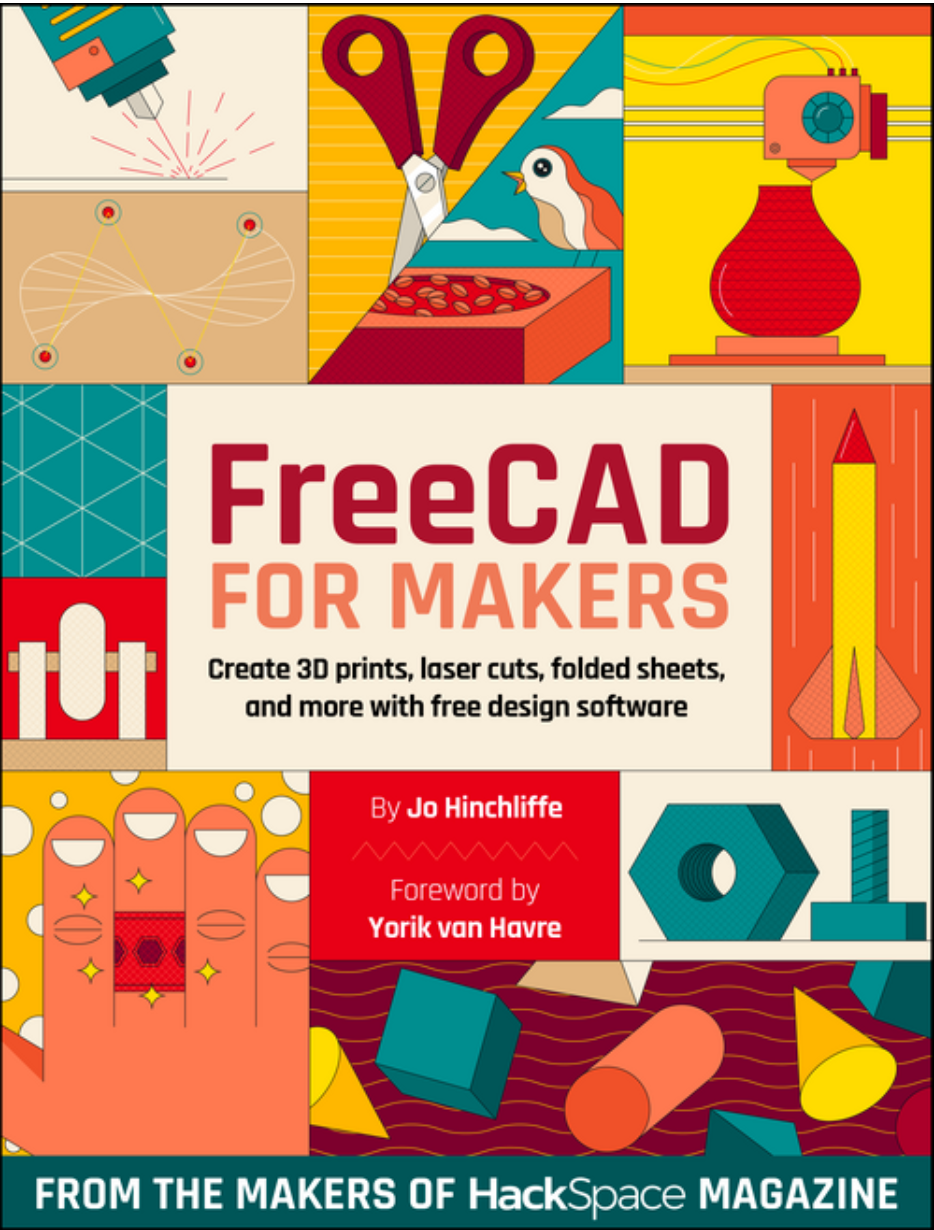
My FreeCAD book! Response is good!
Sunday, 9 October 2022
Organiser Prototype
Monday, 19 September 2022
Unconscious making! - Useful note board/ Index card holder!
Someone IRL made comment on this the other week as I pulled it out of my bag and it was noteworthy to me only because I hadn't considered that I'd made this object, even though I had! People may or may not know that I always, ALWAYS, have index cards on me! I've been a fan since the 43 folders Hipster PDA idea's were floating around but also, I used to pride myself as being able to create some kind of workshop activity at any moment, so long as I had some index cards and a pen.
Aside from workshop materials, index cards are in constant use for note taking, but they are also cheap enough that they often are pressed into use as a place to dump some glue, or to cut and craft a quick card prototype. The problem they do suffer from though is they get pretty scruffy when a stack is just held in your pocket. So, I often have them binder clipped together and they often in turn get binder clipped to a board. I have a few boards knocking around and they often become focused on notes for one project.
Anyway... this board that caught someones eye... well. I'm pretty sure it started off as a failed lasercut base for a little lollipop stick crane I made for a Hackspace magazine article and, as it was around the right size, it got pulled from the pile and some index cards added. It then started getting used for notes for a rocket related project and the rather overkill kevlar cord was added to hang the board up in the shed, the kevlar being an offcut from the rocket project. The decoration was an experiment I wanted to see how well my diode laser CNC rig would remove paint for an interesting engraving effect so I quickly slapped paint on the board as it was to hand near the laser rig! Laser cutters produce lots of bits and bobs of off cuts and I have absolutely no recollection of why I glued a small yellow piece of acrylic into one of the holes, I imagine it was just because I was fiddling around and realised it fit. The circular piece of wood is another laser off cut, I was working on *something* I can't remember but it had a lot of small screws, the bench I was using was scaffolding planks and there was a high chance a screw would disappear in a crack... so I glued a scrap ring onto this board and had a safe place to put small screws. Similarly I was working in the shed and was repeatedly using a small Allen key which I kept misplacing, the project also involved some tiny neodymium magnets and I had spares so I drilled a small hole in the board and glued one in. Later I ran a workshop on NFC stickers and how to get them to do stuff when scanned and a spare sticker ended up on there. I would love to tell you this links to the rocket projects files/repository but it probably doesn't, I should really add my phone number or an "if found return too" note on it.
So there we are. It's a thing that is definitely made, and probably made in my favourite way, in a responsive, tinkering, flaneurial spirit!
Friday, 19 August 2022
3D Printing Lightweight Nosecones - Vase Mode Approaches.
Saturday, 4 June 2022
Creality Ender 2 Pro 3D printer review.
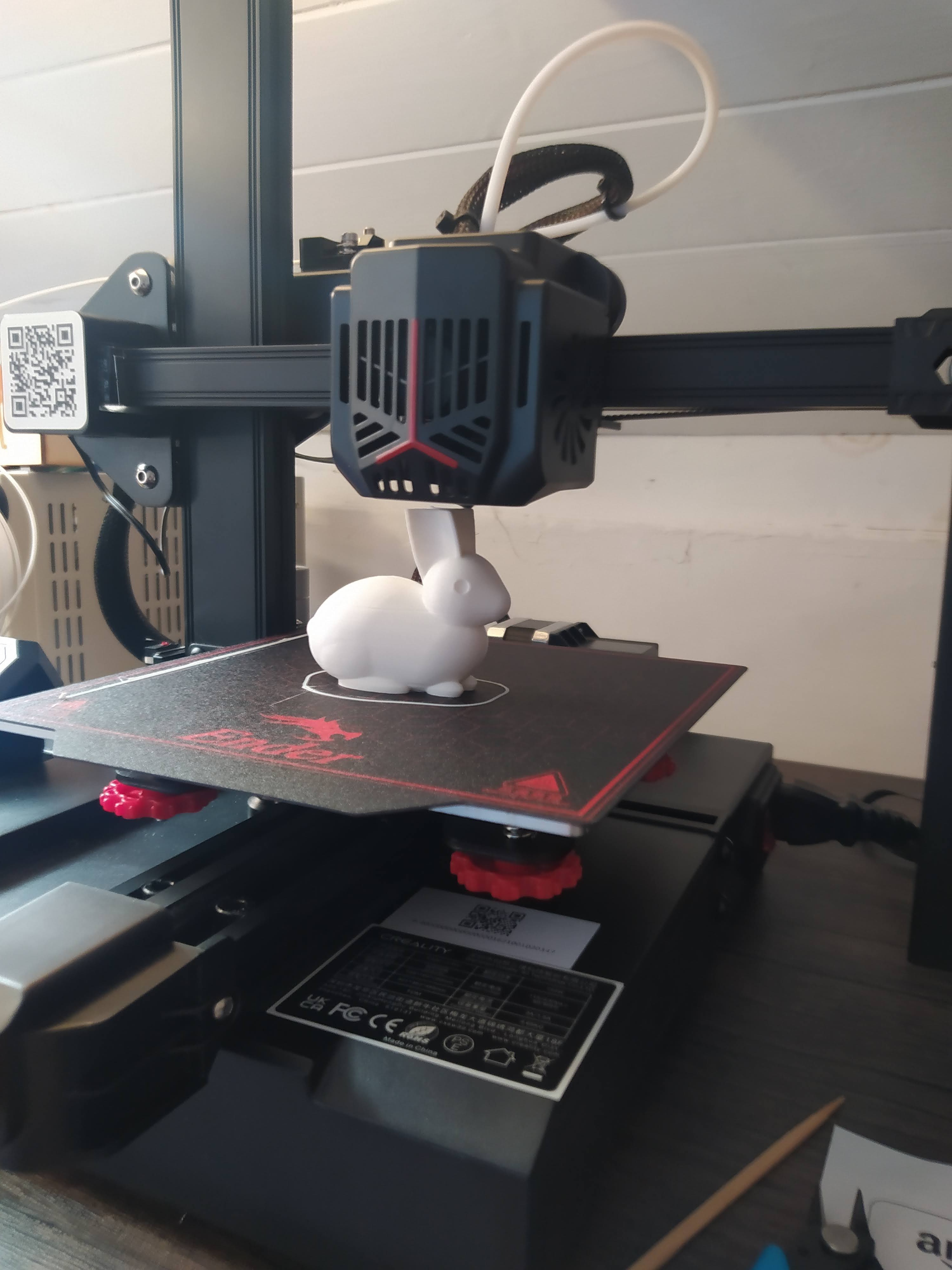
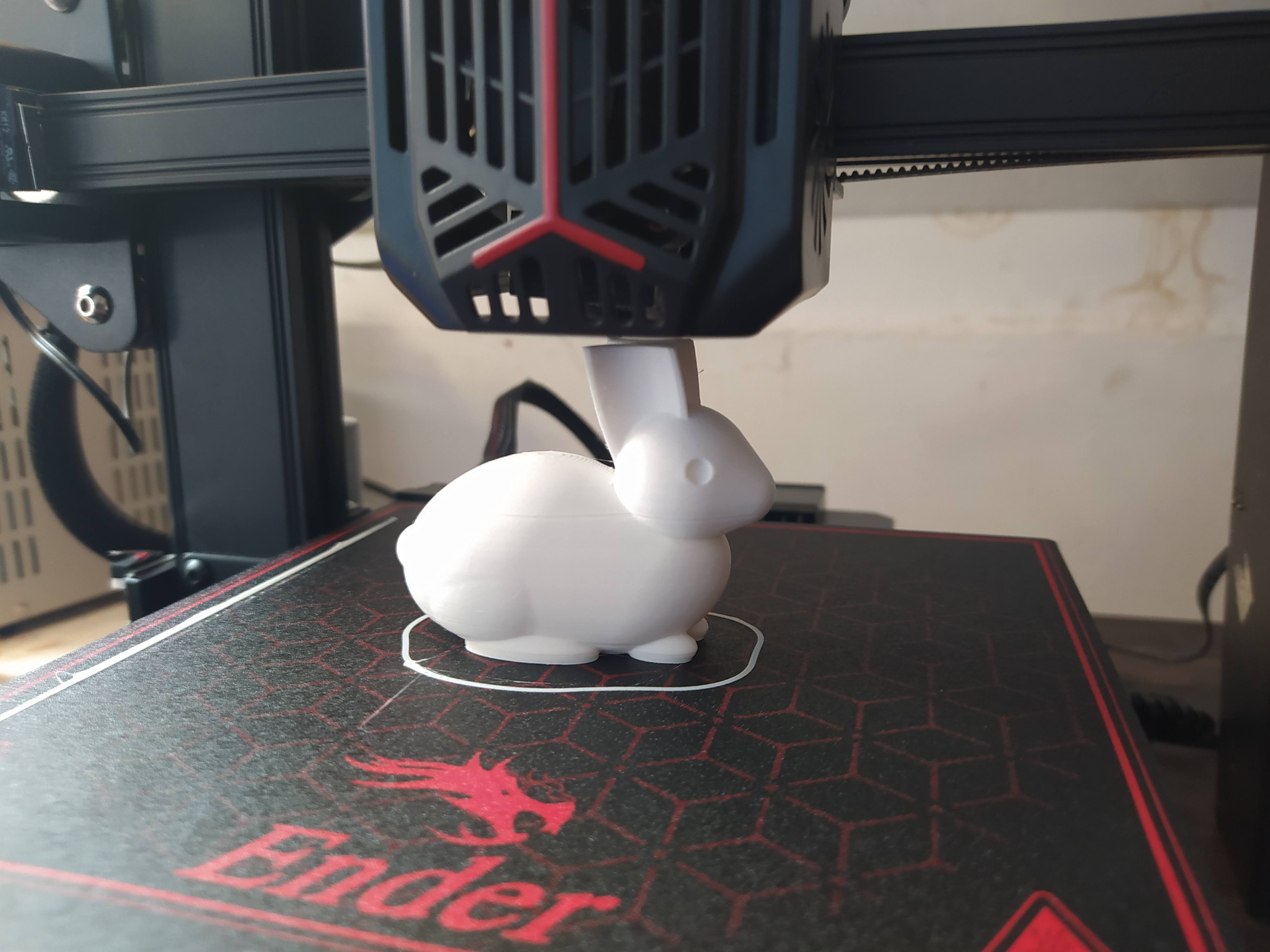
The included micro SD card has some documentation, some windows software and the obligatory example file gcode for printing. Loading up the sample creality PLA and setting it off it produced a very nice bunny model albeit with a noticable Z seam on the reverse side. Print quality was amazing though apart from that and it felt like a very good start.
I haven't used the Cura profile provided for slicing as I am a fan of PrusaSlicer now and I was pleased to see that there is a beta configuration for the Ender 2 Pro included in the latest version. I tinkered with a few prints using the default settings of the PrusaSlicer ender 2 pro profile and initially had reasonable result but with constant blobbing/zits at new layer start points. The ender 2 pro is a bowden set up and it's quite a short bowden tube which means that there is quite a lot of pressure in the hot end. I knew I needed to up the retraction amount and speed but initially this seemed to make little difference. I was puzzled but began to suspect that the included SD card wasn't particularly quick and that the machine seemed to be making some longer pauses at layer change than I expected. I grabbed a better brand micro SD and tried again, this, combined with what seem astronomically high retraction distances (6-8mm) and near light speed retraction rates.. (200mm/s plus!) the blobbing and oozing was cured. So far it's had trials with a variety of PLA and some nice Prusament PETG as well as some cheap generic PETG. It's handled it all very well.
So there we go. It's an excellent printer. It's definitely going to get used and it's probably going to get abused with weird filaments and experiments as, at the price point, it's a great printer to not be too precious about.